
Protect drivers, tractors and trailers with clearer visibility across every lane.
CloudCam iQ helps trucking operations combine dash cams, route history, vehicle tracking and trailer visibility in one connected platform. It is built for fleets that need stronger claims defense, cleaner operational proof and better control over both power units and assets.
Ideal for regional, long-haul, dedicated contract, drayage, linehaul and mixed tractor-trailer operations that need cleaner visibility across safety and asset control.
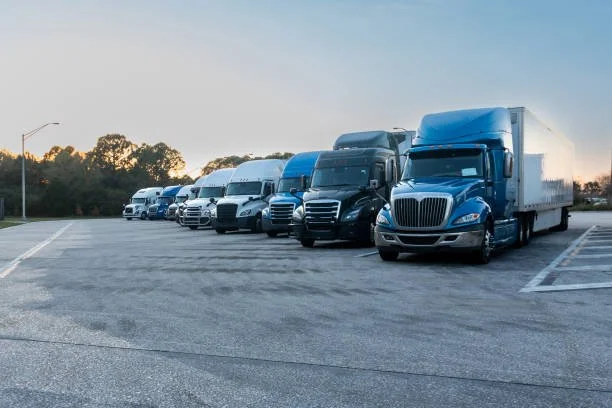
High-speed risk, high-dollar claims and complex asset movement.
Trucking fleets deal with a different level of exposure. A crash on a highway, a dispute at a dock or a missing trailer in a customer yard can quickly turn into legal expense, insurance pressure or service fallout. The question is whether your team can respond with facts.
Every major incident carries outsized risk.
- Highway collisions can become multi-party insurance and legal matters fast
- Fleets need stronger proof around what happened before, during and after an event
- Clear footage and route context help reduce gray areas in fast-moving situations
Power units and trailers do not always move together.
- Tractors, trailers and dropped assets create visibility gaps if systems are disconnected
- Yard dwell, customer locations and terminal handoffs all need better documentation
- Operations teams need a cleaner view of what moved, where and when
Dash cams, route history and trailer visibility in one connected view.
CloudCam iQ brings together roadway footage, trip history, vehicle tracking and key trailer visibility so safety, dispatch and leadership can work from the same operational picture.
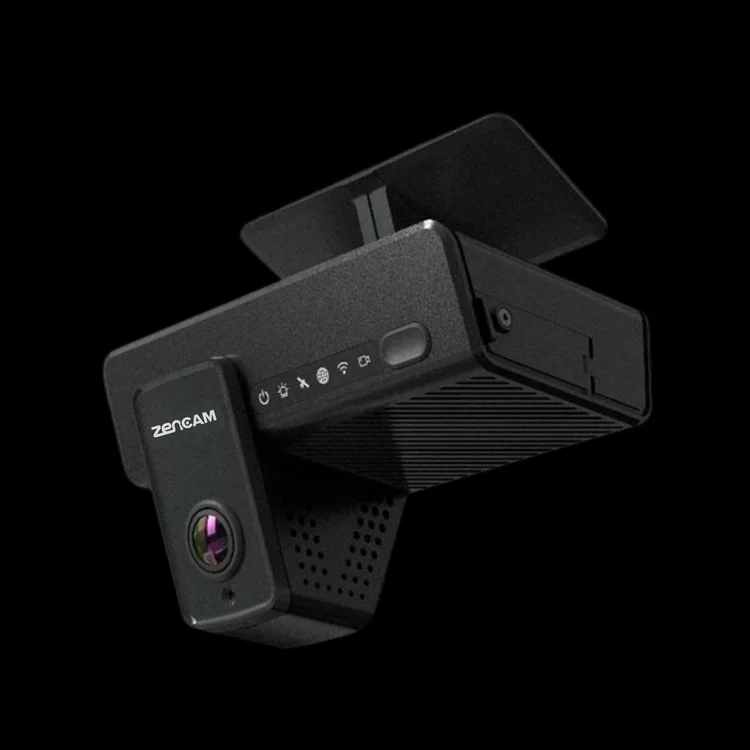
Road coverage for safety and claims review
- Review collisions, cut-offs, lane disputes and close calls with stronger roadway context
- Support driver coaching and protection with time-stamped footage
- Use event tagging and alerts to accelerate review without making them the headline
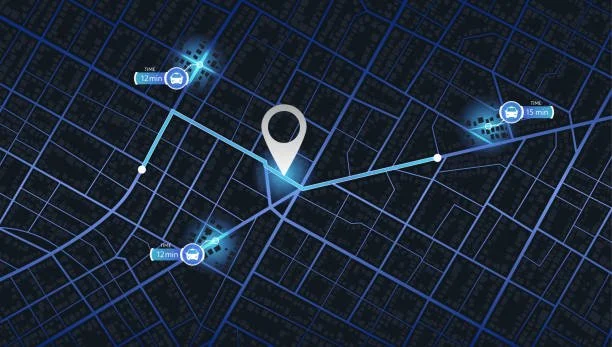
Live map, routes and asset movement
- Track tractors and key trailers on a live operational map
- Review recent trips, event markers and location history faster
- Give safety, dispatch and leadership a shared view of the fleet
The goal is not just more data. It is a cleaner way to connect footage, route movement and asset activity so your team can answer operational and claims-related questions faster.
Visibility beyond the tractor matters just as much.
Many trucking problems do not start in the cab. They start with dropped trailers, yard dwell, lost asset visibility and poor handoff documentation across terminals, customer sites and partner locations.

Hardwired visibility for key trailers
Keep important trailers visible across yards, customer locations and linehaul movement with cleaner tracking continuity.

Better control over dropped equipment
Reduce uncertainty around where assets were staged, how long they sat and when they moved again.
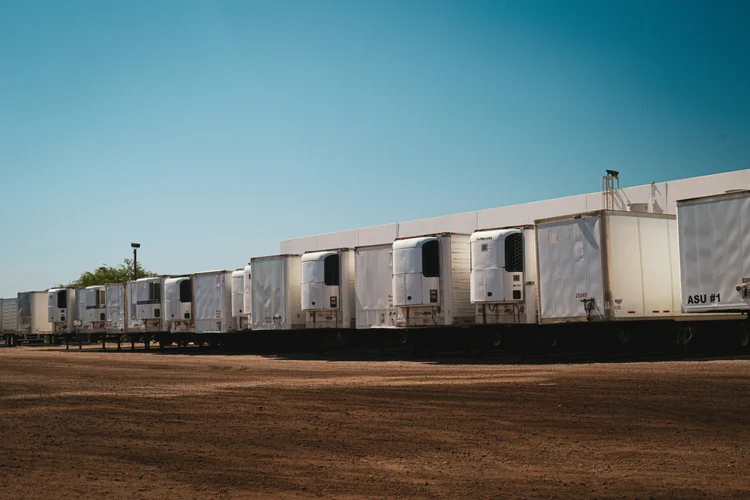
Visibility for high-value lanes and assets
Support operations that need stronger control over specialized trailers, customer commitments or high-value freight environments.
The situations that drive calls to safety, operations and leadership.
These are the moments where connected footage and route history help fleets move from uncertainty to documented facts.
“There was a major crash or lane dispute.”
Review roadway footage, speed and trip context to understand what happened and support insurance, legal and internal review.
“The trailer is missing or stuck somewhere.”
Use asset history to see where it was dropped, how long it remained and when it moved again across yards or customer sites.
“The service failure was on the carrier.”
Review trip and dwell history to understand whether delays came from traffic, yard time, customer loading or internal execution.
Cleaner visibility for claims, coaching and operational proof.
CloudCam iQ gives trucking fleets a stronger way to investigate incidents, support drivers and monitor asset movement without forcing teams to jump between disconnected tools.
Common ways fleets use CloudCam iQ
- Support claims and litigation response with time-stamped evidence
- Coach drivers using real route events instead of generic examples
- Track trailer dwell, utilization and yard bottlenecks more clearly
- Give terminal and operations leaders a cleaner operational picture
Where many carriers start
- Higher-risk lanes, terminals or customers with more frequent disputes
- Key trailers and assets that regularly disappear into visibility gaps
- Driver groups where coaching and protection matter most
- Fleets trying to shorten investigation time and improve proof quality
Built around terminals, lanes and real trucking operations.
Trucking rollouts need to respect terminals, dispatch schedules, driver turnover, shop timing and trailer movement. CloudCam iQ follows a practical process so the team knows what is happening and when units are ready.
Lane and fleet review
We map tractor types, trailer categories, lane risk and operational trouble spots to define the right coverage approach.
Coverage planning by asset type
Dash cam, tracking and trailer visibility decisions are aligned to how your fleet actually operates across tractors, terminals and dropped equipment.
Install planning around operations
Rollouts can be staged by terminal, region, driver group or pilot phase to keep operations moving and downtime controlled.
Verification & team handoff
Before full production use begins, the system is checked for footage, route visibility and day-to-day usability by safety and operations teams.
Get a CloudCam iQ plan for your fleet.
Share your mix of tractors, trailers, terminals and lanes. We’ll map out dash cam, tracking and asset visibility options, plus a rollout path that fits your operation.
- Short discovery focused on your actual lanes and operational issues
- Trucking-specific demo with claims, route and asset scenarios
- Clear next steps for pilot, rollout and support planning
Request a trucking demo
Tell us about your fleet and we’ll follow up with next steps.
Support options built for high-mileage operations.
Once cameras and trackers are installed, fleets can stay on standard warranty or enroll key units in the CloudCam iQ service program for broader protection and more predictable support.
With service program
$5 per unit monthly
- Warranty and out-of-warranty repairs and replacements included
- Unlimited warranty while enrolled in the program
- Helps keep high-exposure cameras and trackers online without surprise bills
Without service program
- Standard 3-year warranty on covered hardware only
- Your team remains responsible for labor unless separately arranged
- Out-of-warranty issues are not covered
We’ll help determine which tractors, trailers or operating groups should be enrolled based on risk, mileage, lane exposure and asset value.
Trucking questions we hear most often.
Safety leaders, operations teams and executives often ask a similar set of questions when connected video and asset visibility are being introduced across the fleet.
Will drivers accept dash cams?
When positioned as a driver protection and claims-defense tool rather than a gotcha system, most drivers understand the value quickly.
Can access to in-cab footage be limited?
Yes. Access can be restricted by role so only authorized staff can review sensitive footage, with clear visibility into who viewed what and when.
Can this help us track dropped trailers?
Yes. Trailer and asset visibility can help reduce uncertainty around where equipment was staged, how long it remained and when it moved again.
Does this replace our TMS or maintenance system?
No. CloudCam iQ complements those systems by adding footage, route history and asset visibility that can be aligned to your existing workflows.
How do fleets usually start?
Many fleets begin with a pilot on certain tractors, terminals or higher-risk lanes, then expand once they see the operational and claims value.
Do we have to equip every trailer immediately?
Not at all. Many fleets start with higher-value or harder-to-control asset groups first and expand based on results.
Ready to put clearer visibility on every lane, tractor and key trailer?
Share your fleet size, terminal layout and mix of tractors and trailers. We’ll walk through a CloudCam iQ demo tailored to trucking operations, claims defense and asset visibility, plus service options for the units that matter most.